Scan.
Review.
Collect.
Scan a trading card, review the suggested matches and available pricing, and confirm the printing before saving it to your vault. Pricing sources and evidence types are shown where available; missing data stays missing.
Checking scanner availability. You can search and add exact cards now.
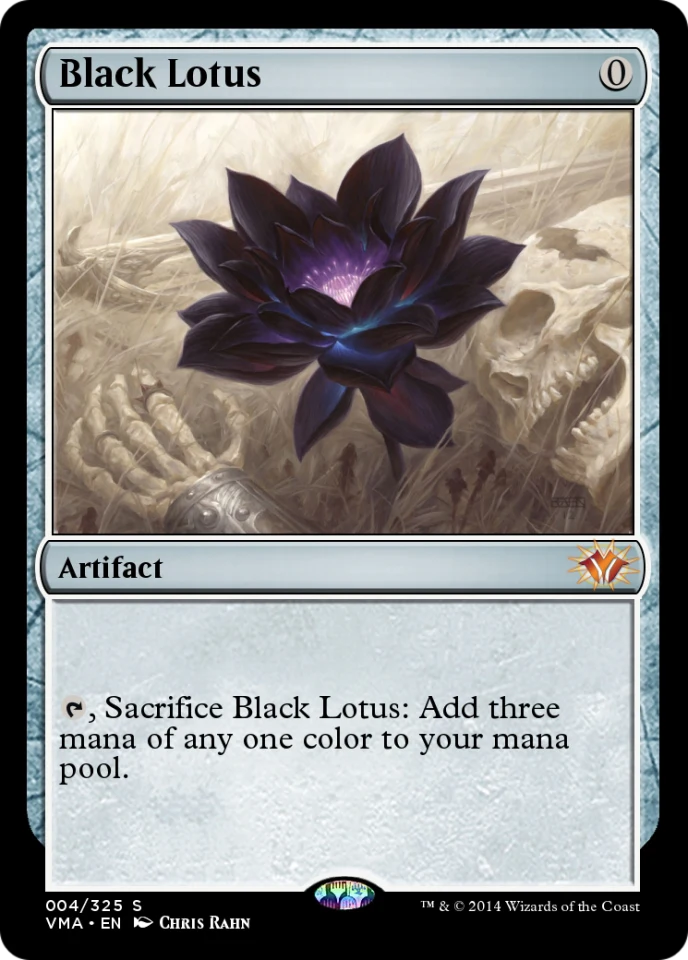


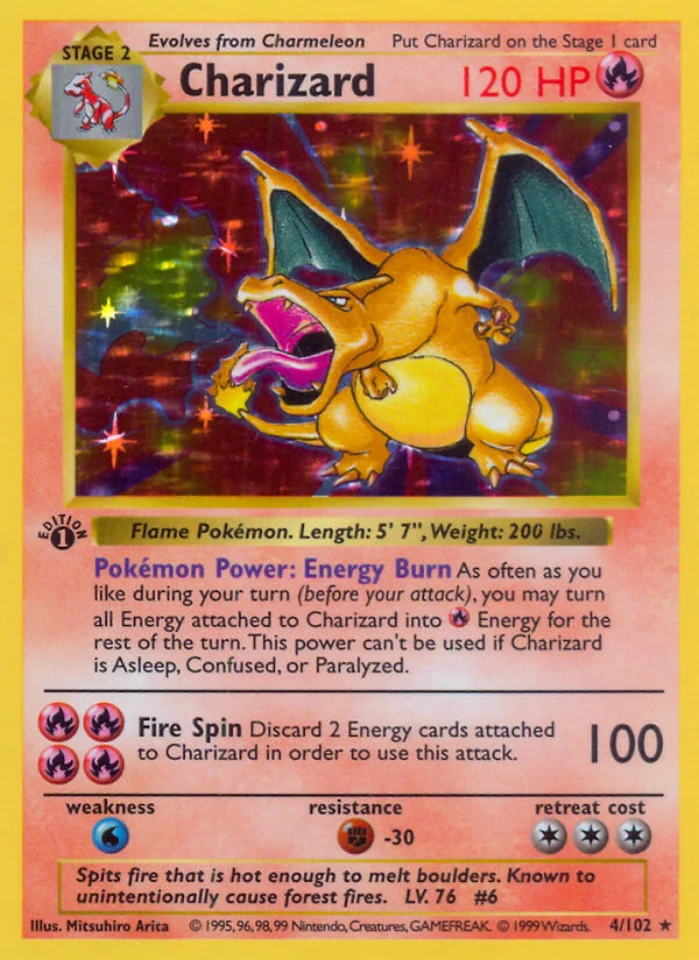
Three steps. You decide the one that matters.
Most scanners pick a card for you and show a price. OWNED stops at the point where being wrong would cost you something, and hands the decision back.
- 1
Photograph it
Camera or upload, your choice. Nothing is sent anywhere until you pick a source and start recognition.
- 2
You confirm the printing
Recognition proposes ranked candidates and stops. It never decides which printing you own — you do, and confidence alone never counts as a match.
- 3
Price, with its source
Comparables for the exact variant you confirmed. When the evidence is stale or missing, the page says so instead of showing a number anyway.
Catalog coverage and scan testing.
20 families are catalogued: 18 have a scan comparison flow in beta when recognition capacity is available, and 2 are search only. Today, no game has passed an independent real-phone accuracy holdout.
A scanner that matched your Magic card against a Pokémon catalogue would return something that looked like an answer. We would rather show you this table.
The number has to match what the grader sends back.
An optimistic grade is the most expensive thing a scanner can hand you: it is the difference between a card you submit and a card you should have sold raw. These are the rules that keep OWNED from being the app that did that to you.
Ranges, never a single number
A phone photo cannot separate a 9 from a 10 — that needs magnification and angled light. So a flawless card reports a range with a ceiling, and never claims the top grade.
The worst flaw sets the grade
One chipped corner drags the whole range down instead of being averaged away. Averaging is how a damaged card gets sold back to its owner as mid-grade.
It declines when it cannot tell
Too little to go on, and you get "no projection was produced" rather than a confident guess. A missing answer is recoverable; a wrong one you acted on is not.
Estimates stay switched off until they are measured
Grade projection ships dark. It turns on only after a benchmark against real graded cards clears, including a signed-bias check — an unmeasured metric fails that gate rather than reading as a pass.
Scanning is the phone’s job. The rest is better big.
The camera lives in the app, because that is where the card is. Everything you do afterwards — reading a price history, working through a set, sorting a thousand-card vault, setting a target — is easier on a screen this size. The same vault, either way.
Your vault, all of it at once
A thousand cards in a grid you can actually sort, filter and select from, with what each one is worth beside it.
Open the vault →Price history with the sales attached
Every point on the chart is a sale you can look at: dated, sourced, and separated from asks and aggregates.
Check a price →Sets, and what you are missing
Work a release end to end. What you own, what you do not, and what the gap would cost.
Browse sets →Start with one card.
The free plan is the whole product at smaller numbers. Create your free vault, find an exact card, and keep the ones that matter to you.